This could be a forever-long post. We have a lot going on at our house to keep our kids safe, but this post focuses on phones, specifically iPhones. If you have Androids, know that those can be even easier to protect, because they give a service called Bark more access.
Before you jump to installing Bark, please read this short but detailed list of protections we suggest for your home and your child's device.
1. The phone is never in their room
The only exception: if we aren't home and want to reach them, they keep it with them like a house phone. Otherwise, phones stay in public spaces. This comes from our own parents' rule about the house phone. If you can't talk about it in the public areas of the house, you shouldn't be talking about it.

2. Turn on Family Sharing and Screen Time
To your kids, Family Sharing means you buy an app once and everyone shares it. For you, it means even free apps need your approval. Apple sends the request to your phone, so you don't even have to be with them. If I have time to research the app, I do, then I allow it.
Screen Time settings we use:
- Downtime: on from bedtime until normal wake-up time, just in case someone thinks about sneaking downstairs.
- App Limits: limit apps they spend too much time on. I did this on my own phone for social media too.
- Always Allowed: Maps, Music, Bible and Camera are never restricted.
- Content & Privacy Restrictions: this one is major. Turn it on and set a code. DON'T FORGET THE CODE, and don't use the same code as your own phone. Kids aren't dumb.
- Allow installing apps (they have to ask anyway), but turn off deleting apps.
- Turn off FaceTime. You can turn it on from your phone when they really need it.
- Allow Share My Location so you can see where they are.
- Don't allow passcode changes, so you can always get in.
- Use Content Restrictions to limit adult websites, or all websites except the ones you choose.
3. Turn on location sharing
Find My (or Life360) shows you where they are. When they're old enough to drive, Life360 can even alert you about speeding, hard braking, and accidents.
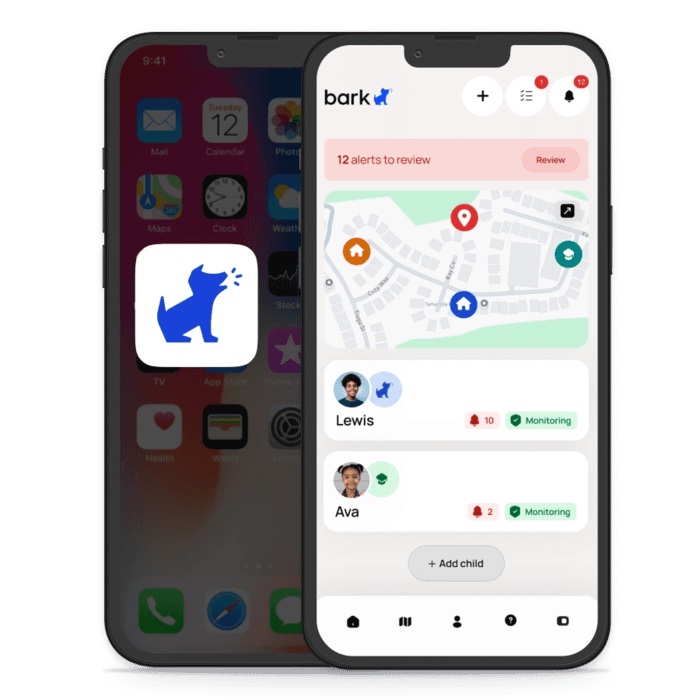
4. Install Bark
Bark keeps your kids safe online wherever they are. It monitors their phone and only notifies you when something sketchy pops up: depression, sexting, cyberbullying, online predators. It has screen time tools too, and it can monitor school-issued computers.
I like to think of Bark as my little spy. It doesn't alert me to every choice my kids make, because kids need room to mess up. It alerts me to the scary things. When that happens (and it does), I can have an open conversation with my child about it.