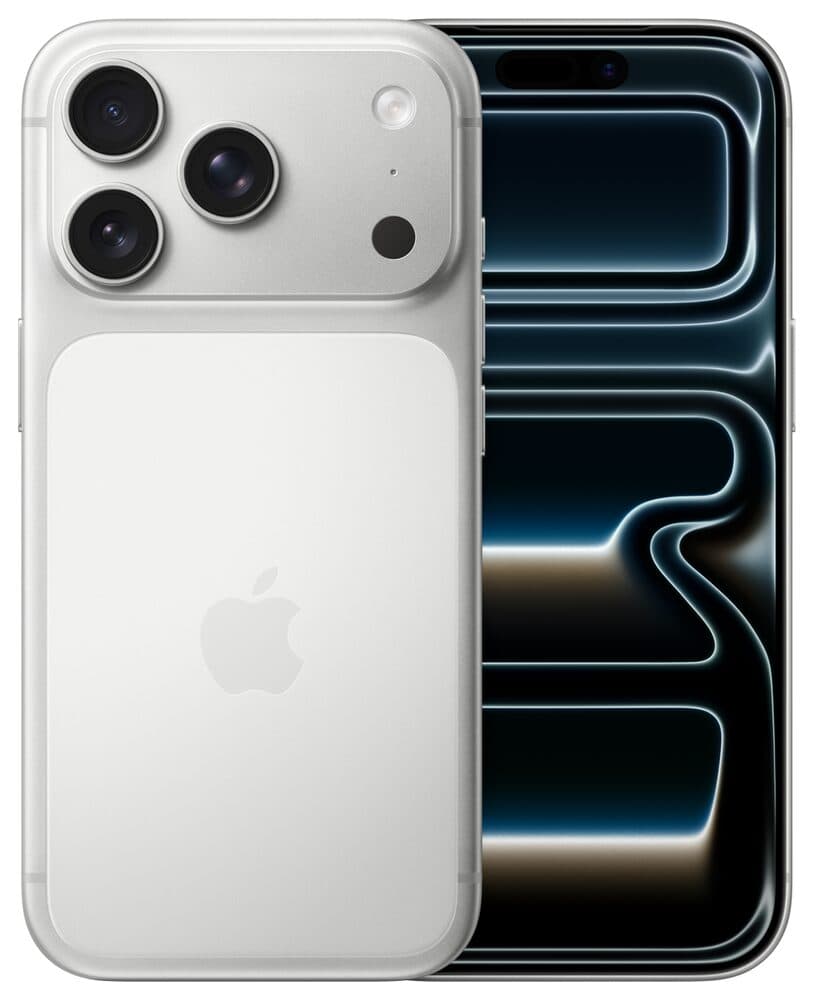
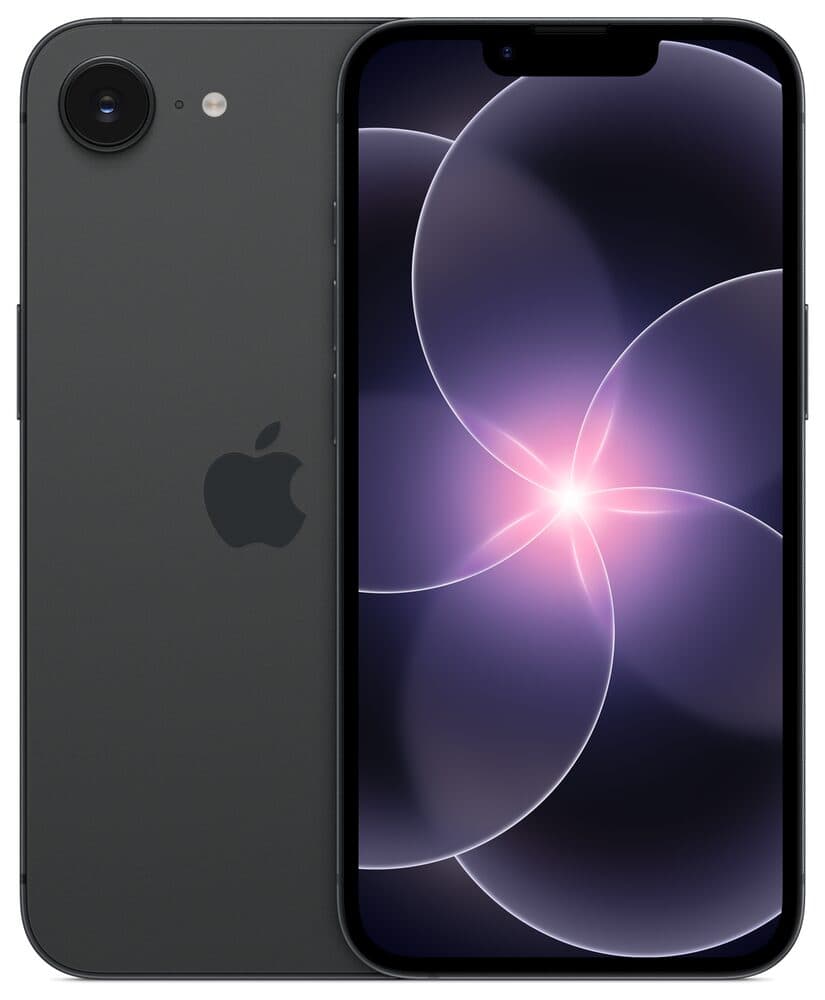
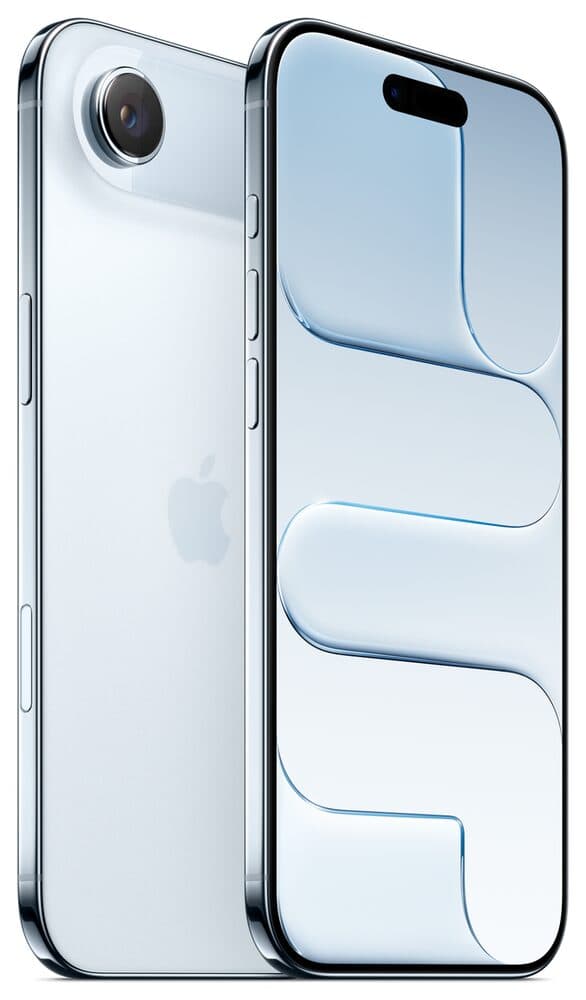
So where should you buy a used iPhone? If you're willing to put in some time, you can buy anywhere (Craigslist, Facebook Marketplace, etc.), but know there are risks. Take it from a guy who has bought over 4,000 iPhones. What can go wrong? It could be blacklisted or iCloud locked, to name a couple. To be a smart used iPhone buyer, follow these steps closely and do them all.
Buying in person: the checklist
- Find the phone online, contact the seller, and set up a time to meet. You pick the place.
- Meet in a well-lit place like a gas station, where there are cameras.
- Look at the phone and check that the settings are cleared.
- Put your SIM card in (or set up your eSIM). Watch a quick video beforehand if you're unsure how.
- Call your spouse or a friend and talk for a minute. You're checking that it works on your carrier, and testing the earpiece, the speaker (put them on speaker) and the microphone.
- FaceTime the same person. Check both cameras and the loudspeaker. Bonus: someone now knows where you are and who you're with.
- Test Siri by saying "Hey Siri."
- Make sure Face ID or Touch ID works. Start setting it up in Settings.
- Plug it into a charger and make sure it charges.
- Now talk price. Do your own negotiating, but you're not done yet.
- Before you hand over any money, go to Settings and erase the phone, then set it up again with your SIM. This proves it isn't tied to someone else's iCloud. If it asks for someone's Apple ID password, walk away. Do not buy it.
- If the reset goes well, you have a good working phone. Pay the seller. To take it to the next level, have them sign a bill of sale.
The catch nobody tells you about
Three days later your phone says "No Service." What? Remember all those carrier insurance programs? Sometimes a seller files a claim saying the phone was stolen, and the carrier blocks it. Call your carrier, explain what happened, and they will usually turn your service back on. This happens to me about 1 out of every 50 phones I buy. It's a bummer, and it's insurance fraud.
The easier way: buy renewed on Amazon
If that sounds like too much, eBay is a good option because the buyer is always right; if something's wrong, send it back. But for most people who want a great phone at a great price right now, I recommend Amazon Renewed. Amazon stands behind these phones. If you have an issue, send it back. You can buy with confidence.
All of these are unlocked, work with most carriers, and run the newest iOS: